How do I add a picture?
TappedOut forum
Posted on Oct. 5, 2013, 3:12 p.m. by jcris25
How do I add a picture in a post or in a reply?
Epochalyptik says... #4
An HTML guide will be able to explain it better, but the image needs to be hosted somewhere on the internet. You then use HTML syntax to embed the image. Try the HTML guide at the bottom of the page.
October 5, 2013 3:23 p.m.
notamardybum says... #5
http://lmgtfy.com/?q=how+to+add+a+picture+with+html
October 5, 2013 3:55 p.m.
brent_lathan says... #6
Hey guys, does anyone know how to resize the image using HTML code? and by the way code to add image to description or like here is img src=http://31.media.tumblr.com/tumblr_m21oyirjI01qjok2oo1_400.jpg but instead of use < and > an you get  But don't ask me how to format to make it look pretty... cause thats what I want to know...
April 16, 2014 4:54 p.m.
brent_lathan says... #7
In stead of use < at begining and > at the end with content in between.
April 16, 2014 4:55 p.m.
You can use the width="XXX" and "height="XXX" attributes to modify width and height. Also, you can add the br tag before and after the picture so the words won't be halfway down the picture.
April 16, 2014 4:58 p.m.
brent_lathan says... #9
Yeah I googled it working on mine now do you happen to know how to format text around the images without using css?
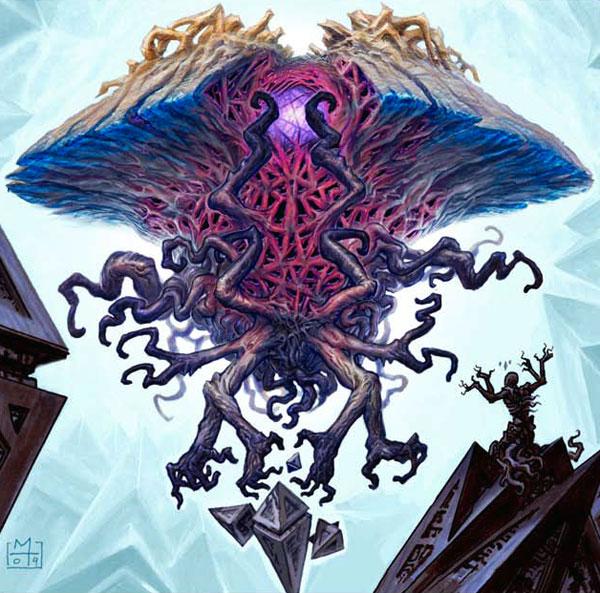


This is what I have so far but trying to really make it pretty.
Epochalyptik says... #2
You can embed pictures using HTML code.
October 5, 2013 3:13 p.m.